
Postalytics understands that the graphics, messaging, and offers you send in a Triggered Drip Campaign will need to be updated from time to time, and we’ve made it easy for you to edit the creative template being used in an ongoing Triggered Drip Campaign.
Follow these four easy steps to update your creative, with minimal Campaign downtime.
Step1: Toggle your Triggered Drip Campaign to "Test Mode".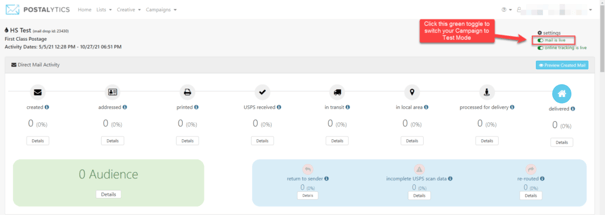
Your Campaign is now in Test Mode. You’ll notice the background is red.
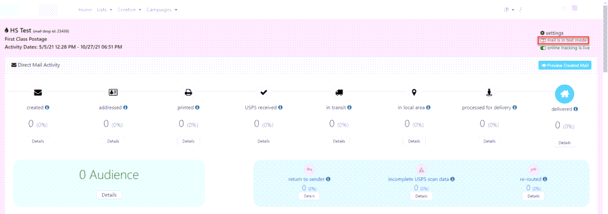
You’re now ready to proof your template.
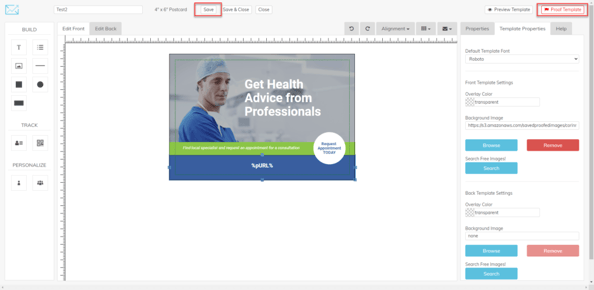
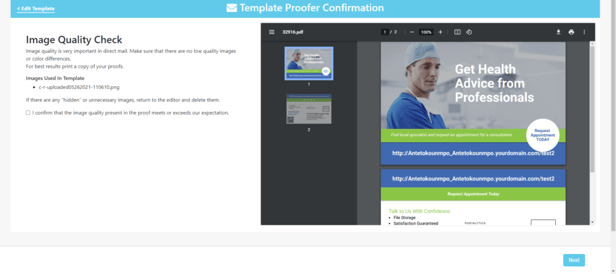
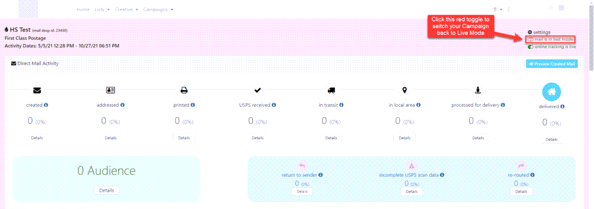
Your Campaign is now live again, and the background will no longer be red.
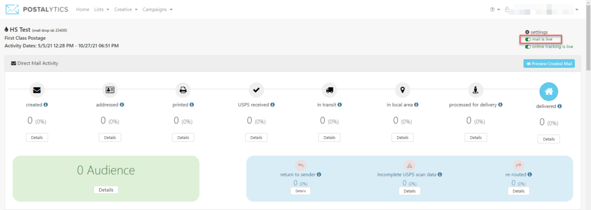
That’s it! From this point on all of the pieces sent through this Triggered Drip Campaign will use the updated creative.